info@ssnrepairs.com
Mon-Fri: 10:00 AM - 8:00 PM | Sat: 11:00 AM - 8:00 PM | Sun: 12:00 PM - 6:00 PM
SSN REPAIRS
Home
Smartphone Repair
  • iPhone Repair
  • Samsung Repair
Computer Repair
  • MacBook Repair
  • Dell Repair
  • Data Recovery
Console Repair
  • PS5 Repair
  • Xbox Repair
  • Nintendo Repair
View All Services & Devices
B2B OverviewSchools & UniversitiesSmall Businesses
AppointmentAboutContact
(718) 206-0100GET A QUOTE
GET A QUOTE
30-Day Warranty

All repairs guaranteed

Same-Day Service

Fast turnaround times

Certified Experts

Professional technicians

SSN Repairs

Your trusted destination for professional electronics repair. We specialize in smartphones, computers, gaming consoles, and more with a commitment to quality and customer satisfaction.

Book a Repair
Quick Links
  • Home
  • Services
  • FAQ
  • Repair Blog
  • About Us
  • B2B Partnerships
  • Book Appointment
  • Contact
  • Warranty
Our Services
  • Smartphone Repair
    iPhone RepairSamsung Repair
  • Computer Repair
    MacBook RepairPC & Laptop RepairData Recovery
  • Console Repair
    PS5 RepairXbox RepairNintendo Switch Repair
Contact Us
(718) 206-0100
info@ssnrepairs.com

8316 Parsons Blvd

Jamaica, NY 11432

Mon-Fri: 10:00 AM - 8:00 PM

Sat: 11:00 AM - 8:00 PM

Sun: 12:00 PM - 6:00 PM

WhatsApp

© 2026 SSN REPAIRS. All rights reserved.

Privacy PolicyTerms of Service
Repair Blog

Computer repair

MacBook Battery Health: Signs It Is Time for Replacement

Know the signs of a worn MacBook battery, how to check battery health, and when a replacement can restore reliable everyday use.
August 11, 20265 min readSSN Repairs Technician Team
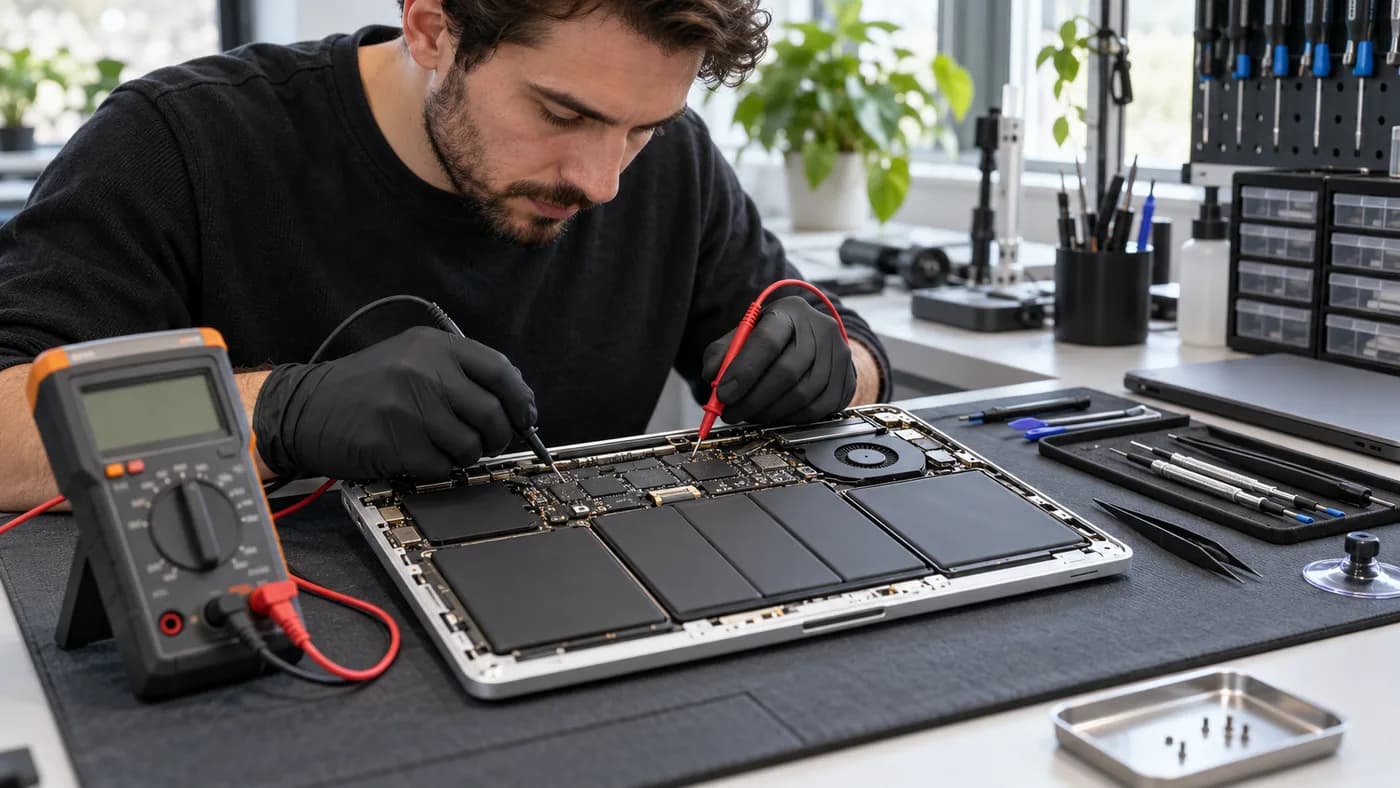
MacBook battery being tested during a professional repair

Quick answer

Short runtime is common, but swelling, unexpected shutdowns, and service messages are stronger reasons to arrange a battery inspection.

Before you start

A simple first-response checklist

  • Check macOS battery condition and cycle count.
  • Back up files before battery service.
  • Use the correct charger and cable.
  • Stop using the MacBook if the case or trackpad lifts.

Technician notes

Short runtime is only one clue

A battery that drains quickly is a common signal, but slow charging, unexpected percentage drops, and shutdowns at moderate charge are also worth checking.

Try to notice whether runtime has changed gradually or suddenly. A sudden change can point to an issue beyond ordinary wear and is useful information for a diagnostic visit.

Technician notes

Check the system status

macOS can report battery condition and cycle count. A service recommendation or reduced capacity message means it is time to consider an inspection, especially if the laptop is important for work or school.

System status is a useful starting point, but it does not replace a physical inspection. A technician can also check charging behavior and look for signs of swelling or connection damage.

Technician notes

Do not ignore a physical change

A raised trackpad, lifted bottom case, or unusual heat can indicate a swollen battery. Stop using the device and arrange a professional replacement as soon as possible.

Do not force the case closed or continue charging a swollen battery. Acting early can protect the trackpad, keyboard, and display from additional damage.

Bring it in sooner if you notice

  • • Rapid drain or slow charging
  • • Unexpected percentage drops
  • • Shutdowns above 20%
  • • A raised trackpad or bottom case

Need help with this repair?

Get a clear next step.

SSN Repairs offers a free diagnosis and clear repair estimate at our Jamaica, Queens location.

(718) 206-01008316 Parsons Blvd, Jamaica, NY 11432Request a free quote WhatsApp us

Continue reading

Why Is My iPhone Not Charging? A Queens Repair Guide

Learn why an iPhone may not charge, which safe checks to try first, and when a charging port, battery, or board diagnosis is the right next step.

Read next guide