Phone care
Smartphone Water Damage: What to Do in the First 30 Minutes
A practical water-damage recovery guide from SSN Repairs in Queens: what to do immediately, what to avoid, and when to bring your phone to a technician.
Quick answer
Turn the device off, disconnect power, and keep it dry and uncharged until it can be inspected. Time matters more than home remedies.
Before you start
A simple first-response checklist
- Power the phone off immediately.
- Remove the case, cable, and accessories.
- Blot the outside with a lint-free cloth.
- Arrange a professional inspection as soon as possible.
Technician notes
Act quickly, but keep the phone powered off
Water can bridge connections inside a phone even after the outside looks dry. Turn the device off, remove the case, and unplug every cable or accessory.
If it is already off, leave it off. Charging a wet phone is one of the fastest ways to turn a recoverable spill into permanent board damage.
Technician notes
Skip rice, heat, and repeated power tests
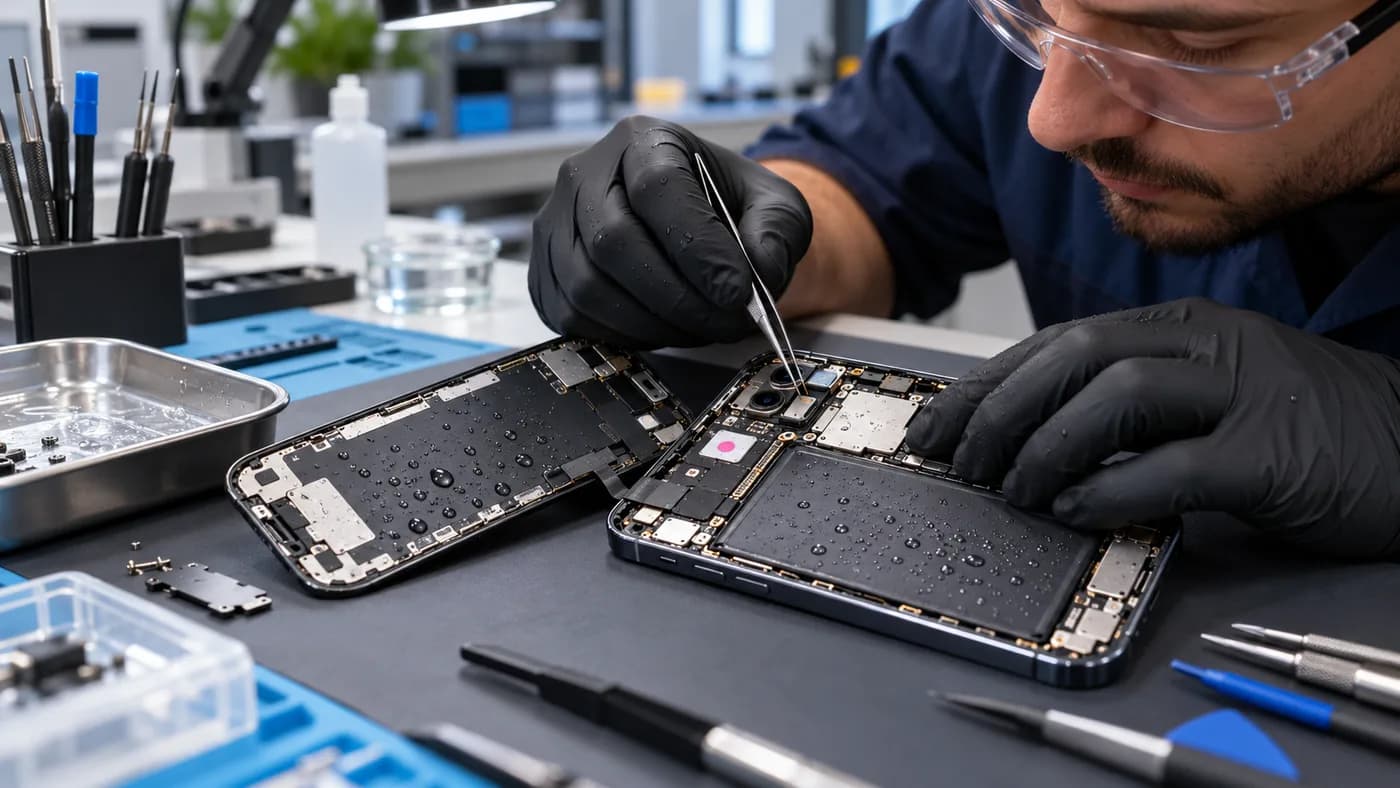
Rice does not remove the mineral residue that water leaves behind, and loose dust can enter charging ports. Hair dryers and radiators can push moisture deeper into the device or damage seals and adhesives.
Avoid turning the device on every few minutes to check it. Each power attempt can send current through damp components and make corrosion spread faster.
Technician notes
When a professional cleaning is the safer next step
Bring the phone in promptly if it will not turn on, the screen flickers, the camera fogs, or charging behaves differently. A technician can open the device, clean corrosion, and test the battery and display before damage spreads.
Even a phone that works after a spill can develop delayed issues. A clear inspection gives you a better idea of what is affected before you rely on it for work, school, or travel.
Bring it in sooner if you notice
- • Camera lens fogging
- • Screen flicker or touch issues
- • Charging that starts and stops
- • Unexpected heat or a burnt smell